blasthood.fun · user guide
Launching and managing a token on BlastHood
How to launch and manage a token on Robinhood Chain with the BlastHood launchpad: one page per section, each with screenshots of the real interface and notes on what each control does. The launch pages follow the same example:
- Token
- Demo Token (DEMO)
- Total supply
- 1,000,000,000
- Pool
- Uniswap v3 · 1% fee
- Liquidity
- 800,000,000 DEMO + 1 ETH
- Buy wallets
- 5 × 0.05 ETH, self-funded
- Max wallet / tx
- 500 bps (5%)
Screenshots come from the current frontend running in a headless browser. The server, the chain and the browser wallet were simulated, so addresses and transaction hashes are placeholders. Token amounts were calculated from the pool above, so the numbers agree from page to page.
From sign-up to exit
- Register and log in.
- On the Dashboard, press New, name the project and pay its activation fee within the hour. The project becomes
OPEN. - RH Launch: prepare, fund, launch. When it finishes the project becomes
TRADE, and Buy, Sell, Transfer and Metric unlock in the sidebar. - On RH Launch, sweep the deployer wallet to your own address so you hold the LP position, then burn or lock it on Liquidity.
- Buy, Sell and Transfer act on the launch's buy wallets; Metric shows how they have done.
Project statuses
- INIT
- Created, waiting for its fee
- OPEN
- Active: ready to prepare and launch
- TRADE
- Launched: Buy, Sell, Transfer, Metric
- EXPIRED
- Fee not received within the hour
Sections
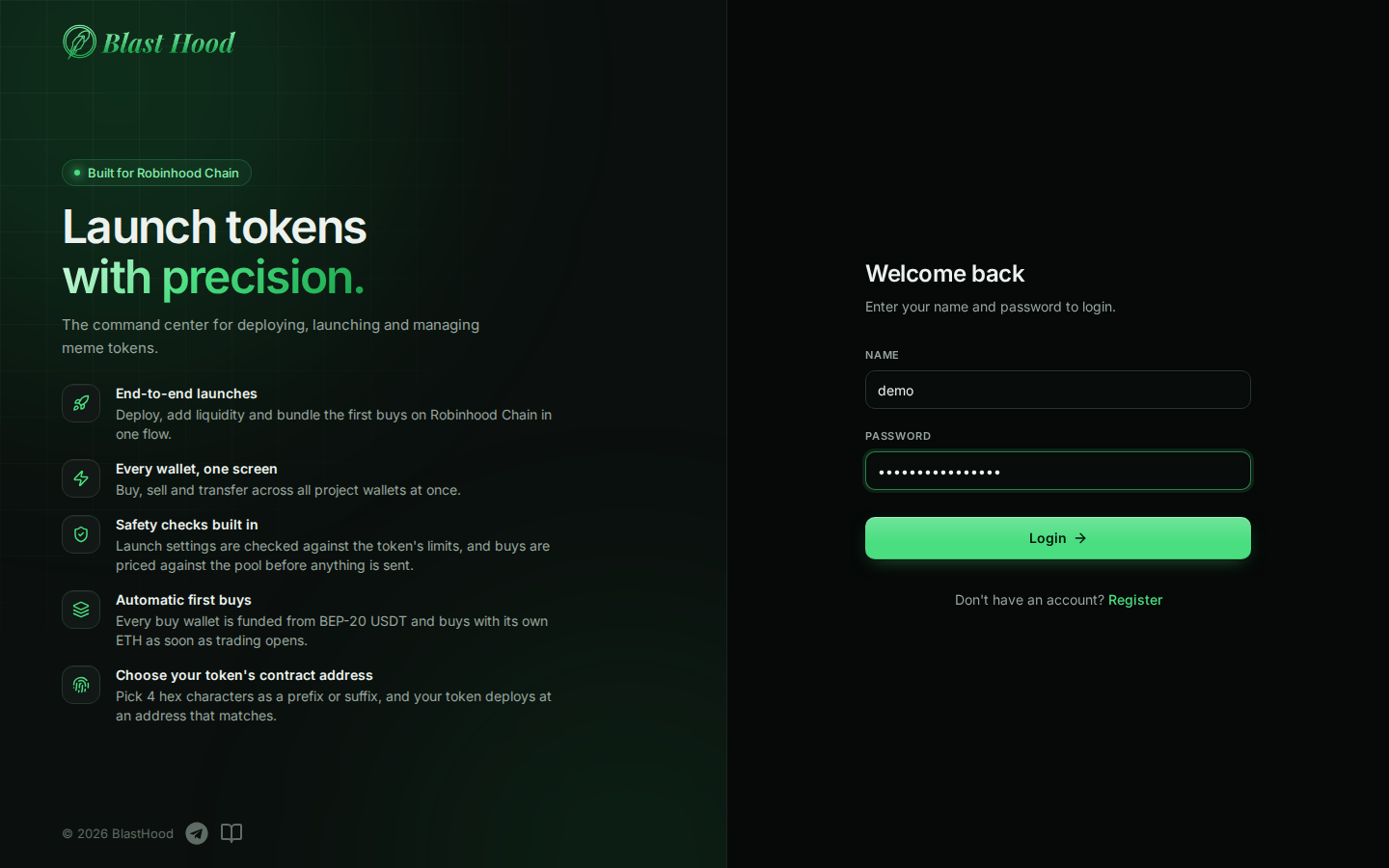 AccountRegister, log in and out, and what the header's wallet button is for.
 Dashboard & projectsCreate a project, pay its activation fee, open it, or delete it.
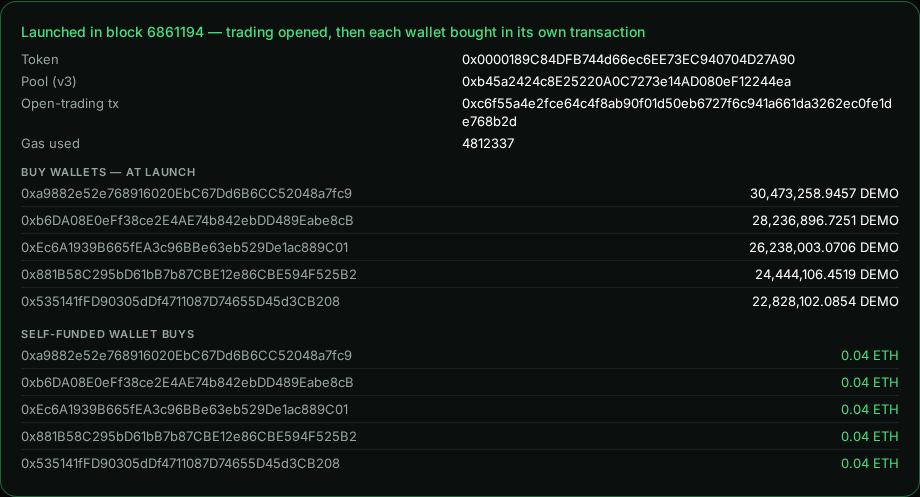 RH LaunchConfigure the token and pool, fund the deployer and the buy wallets, launch, then sweep the LP and exit.
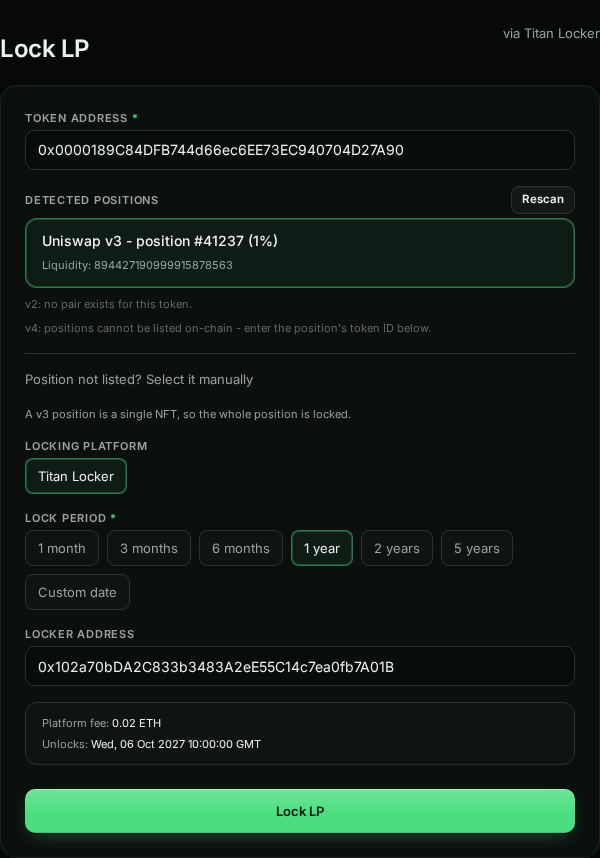 LiquidityFind the pool, then burn or lock the LP position from your own browser wallet.
 BuyPlan and send more buys from the launch wallets, each paying its own gas.
 SellSell a percentage of each wallet's tokens, and collect the ETH to one address.
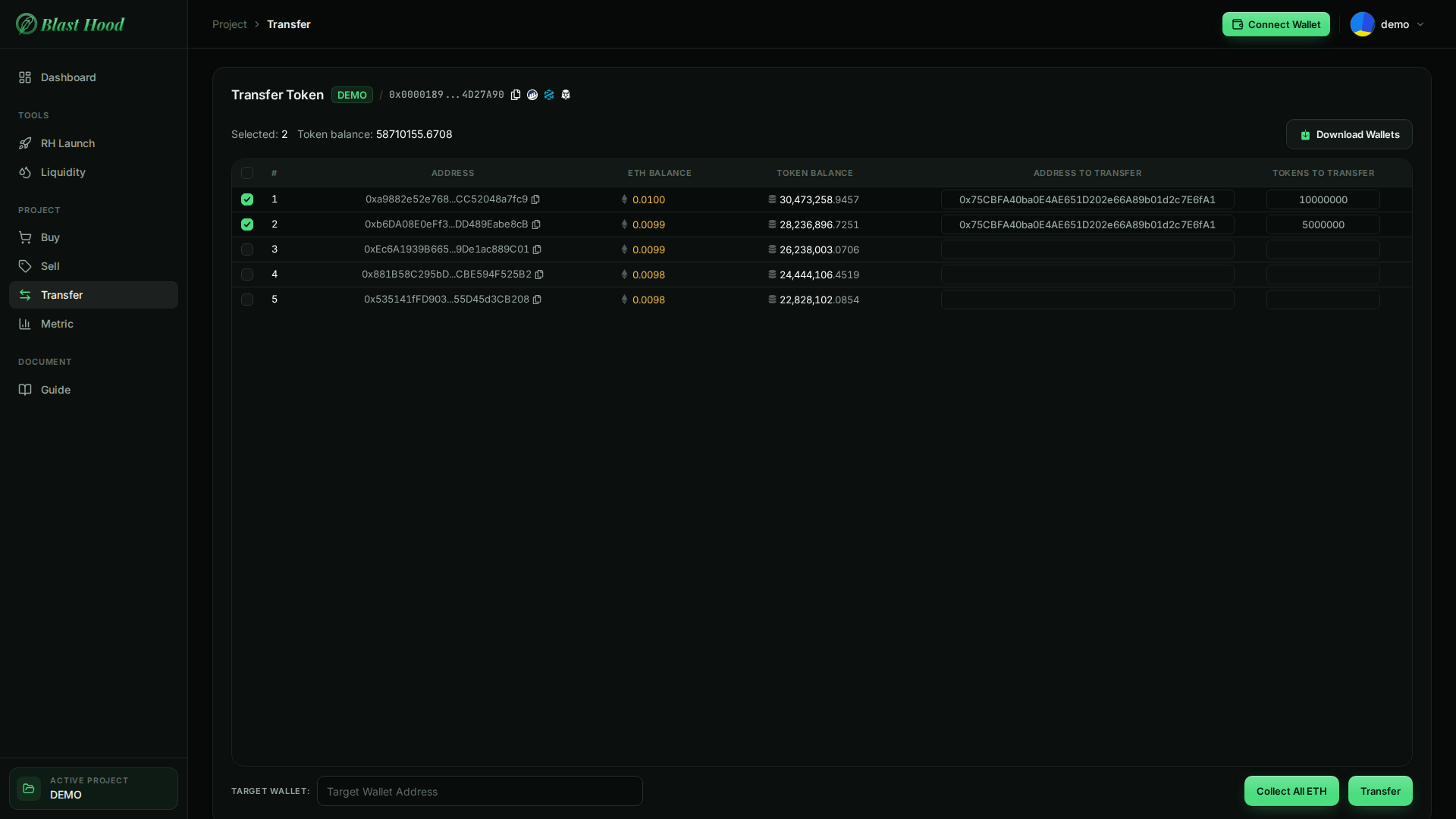 TransferSend a set number of tokens from each wallet to a recipient.
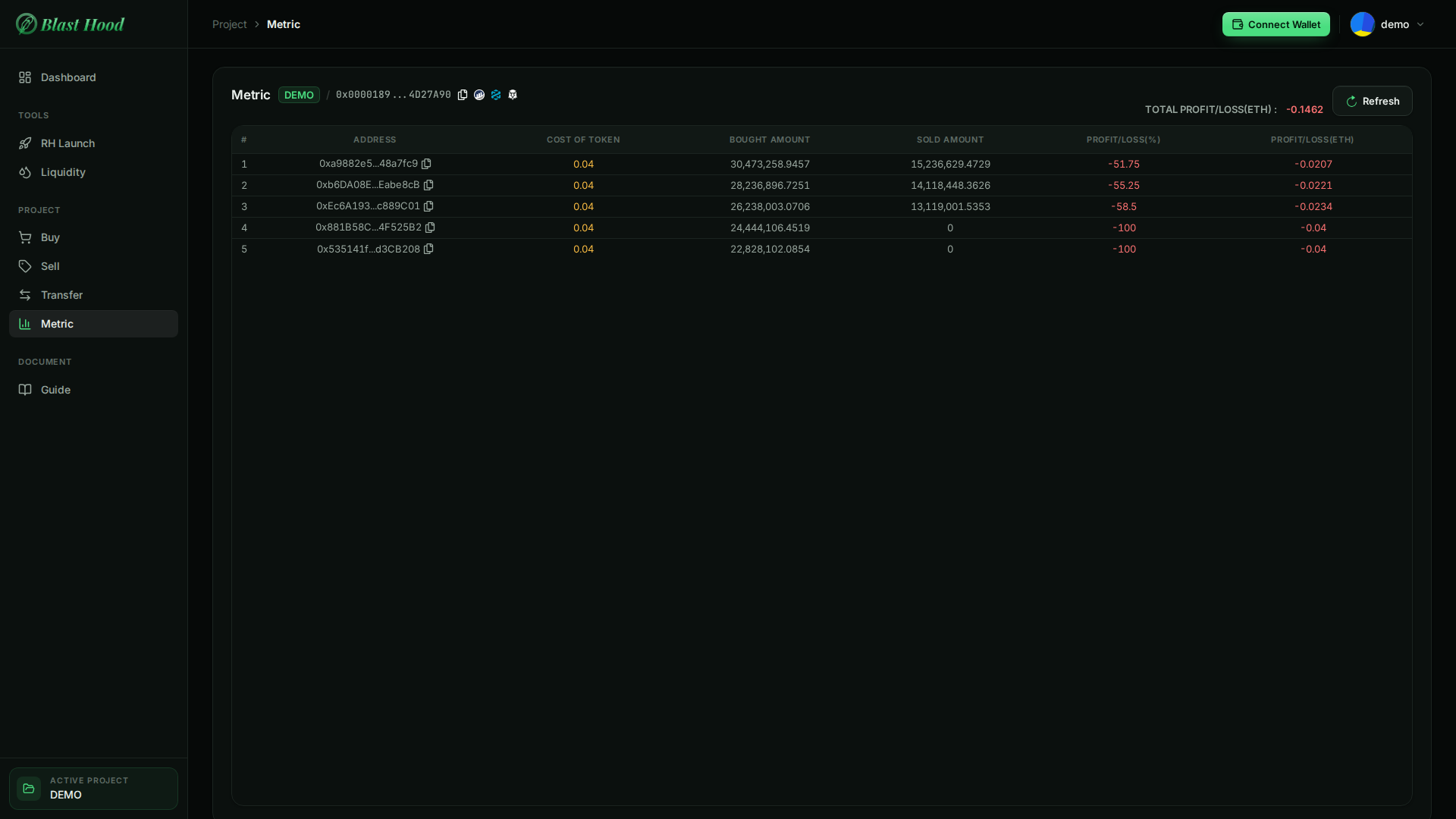 MetricPer-wallet cost, bought and sold amounts, and realised profit or loss.
What to watch for
- The buy wallets pay their own gas. Launches are self-funded, so every buy, sell, transfer and ETH collection from a buy wallet is paid from that wallet's ETH. A wallet with no ETH is skipped, and the result message names it.
- Your LP starts out on the server. Unless you set an LP recipient, the LP position stays with the deployer, a key held by the server. Sweep it to your own wallet after launch.
- Download Wallets exports private keys. The CSV on Buy, Sell and Transfer holds each wallet's address and private key. Treat the file like a password.
- Deleting a launched project cuts you off from its wallets. The wallets keep their tokens and ETH, but this site can no longer reach them. Sell or collect first.
Troubleshooting
- "Name or password is incorrect": the name is case-sensitive and must match exactly. There is no password reset; contact the team.
- "Could not reach the server" on login, or every page failing at once: the service is down. Wait a minute and retry; if it persists, contact the team.
- "Your session has expired": sessions last 7 days. Log in again.
- RH Launch, Buy, Sell, Transfer and Metric are locked: select a project with Go to project on the Dashboard. On Buy, Sell, Transfer and Metric, the buttons stay disabled until the project has launched.
- Launch & Buy stays disabled: the deployer wallet doesn't hold the Total required yet. Its balance refreshes every 15 seconds.
- Liquidity says "No LP found for this wallet": connect the wallet that holds the LP; after a launch, sweep the deployer to it first.
- A wallet was skipped on Buy, Sell or Transfer: the result message gives the reason, usually no ETH for gas.